
Products
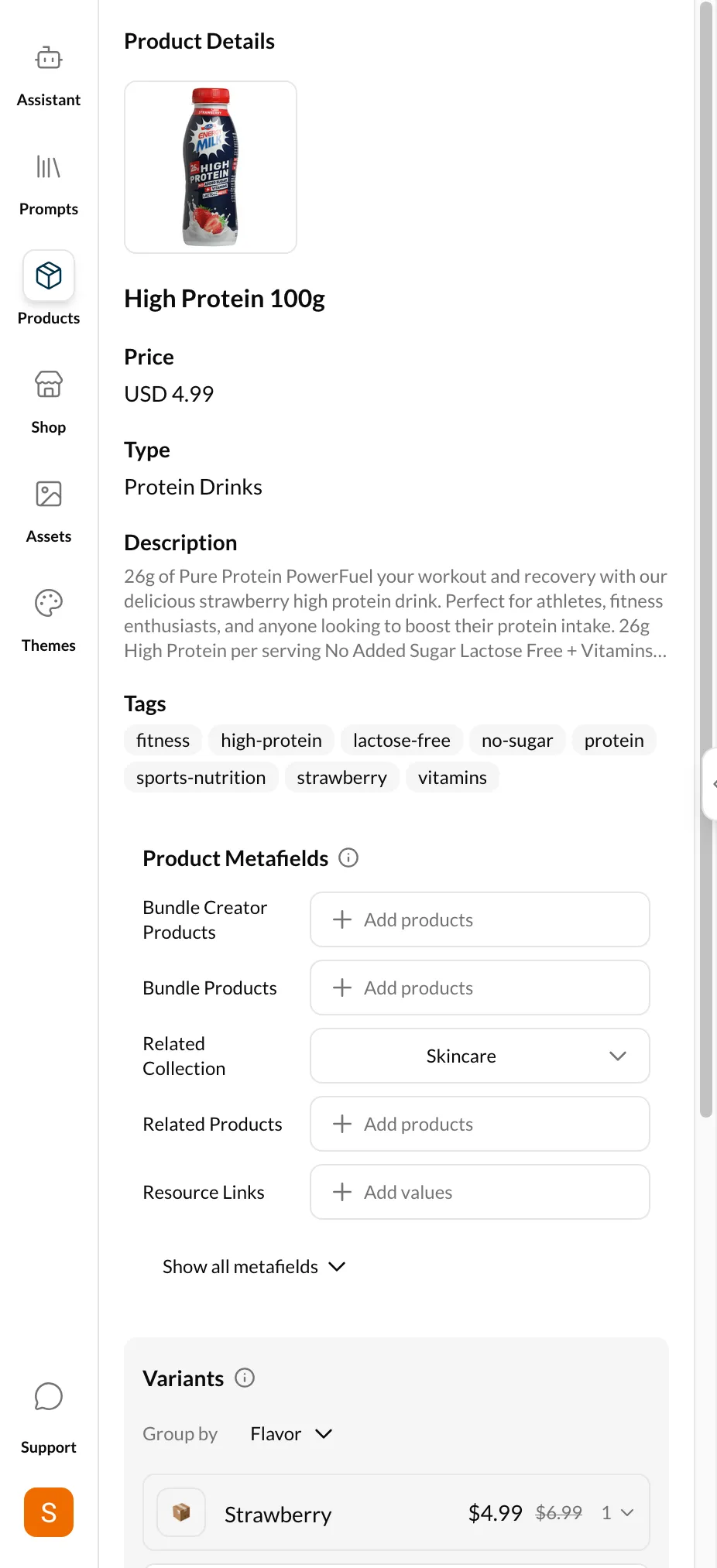
The Products tab lets you view and edit your Shopify product data directly within EcomCoder. You can update product information, manage metafields, and work with variants — all without leaving the dashboard.
Admin API token required
The Products feature requires an Admin API token with read_products and write_products scopes. See Connecting Your Store for setup instructions.
Product Info
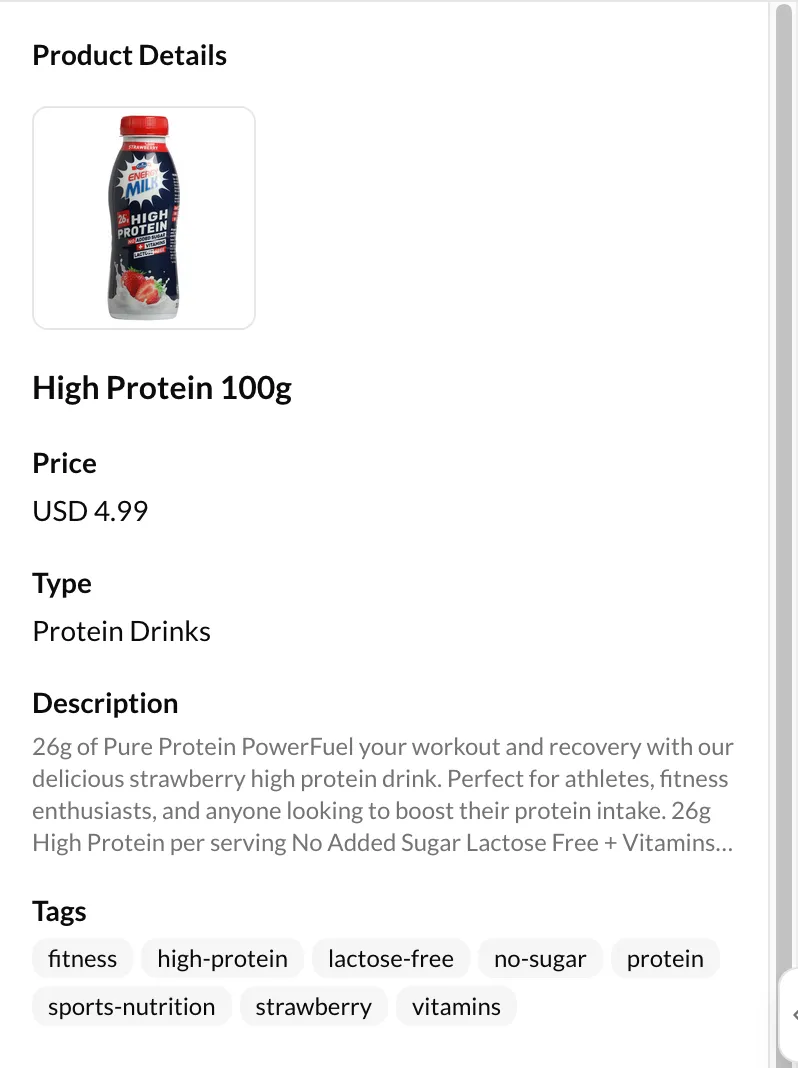
Select a product from the list to view its details:
- Title — The product name displayed in your store
- Handle — The URL slug (e.g.,
classic-leather-bag) - Status — Active, Draft, or Archived
Metafields
Metafields are custom data fields attached to your products. EcomCoder supports all Shopify metafield types:
| Type | Description |
|---|---|
| Single-line text | Short text values |
| Multi-line text | Longer text with line breaks |
| Number (integer) | Whole numbers |
| Number (decimal) | Numbers with decimal places |
| Date | Date values |
| Date and time | Date with time component |
| Boolean | True/false toggles |
| Color | Color picker with hex values |
| JSON | Raw JSON data |
| List (text) | Multiple text values |
| List (number) | Multiple number values |
| Reference | Links to other Shopify resources |
To edit a metafield:
- Select a product
- Scroll to the Metafields section
- Click a metafield to edit its value
- Save your changes
Variants
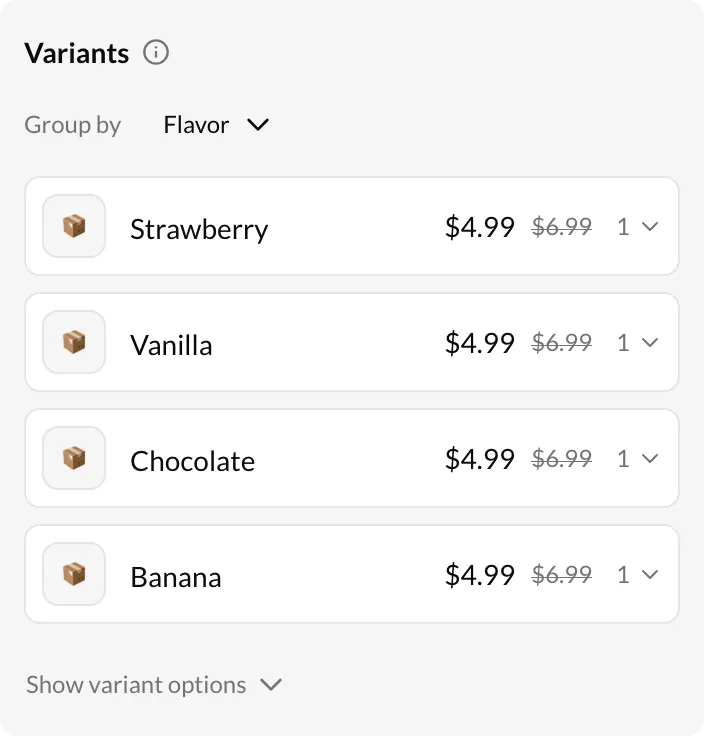
Products with multiple variants (size, color, etc.) show a variant list. Click a variant to view:
- Variant-specific fields (price, SKU, inventory)
- Variant metafields — Custom data attached at the variant level
Template Selector
Each product can be assigned a specific template. Use the Template dropdown to change which Liquid template renders this product page. This is useful when you have custom product page layouts for different product types.