
Creating an Account
Get started with EcomCoder by creating a free account. You can sign up with email or use Google for one-click access.
Sign Up
There are two ways to create an account:
Email & Password
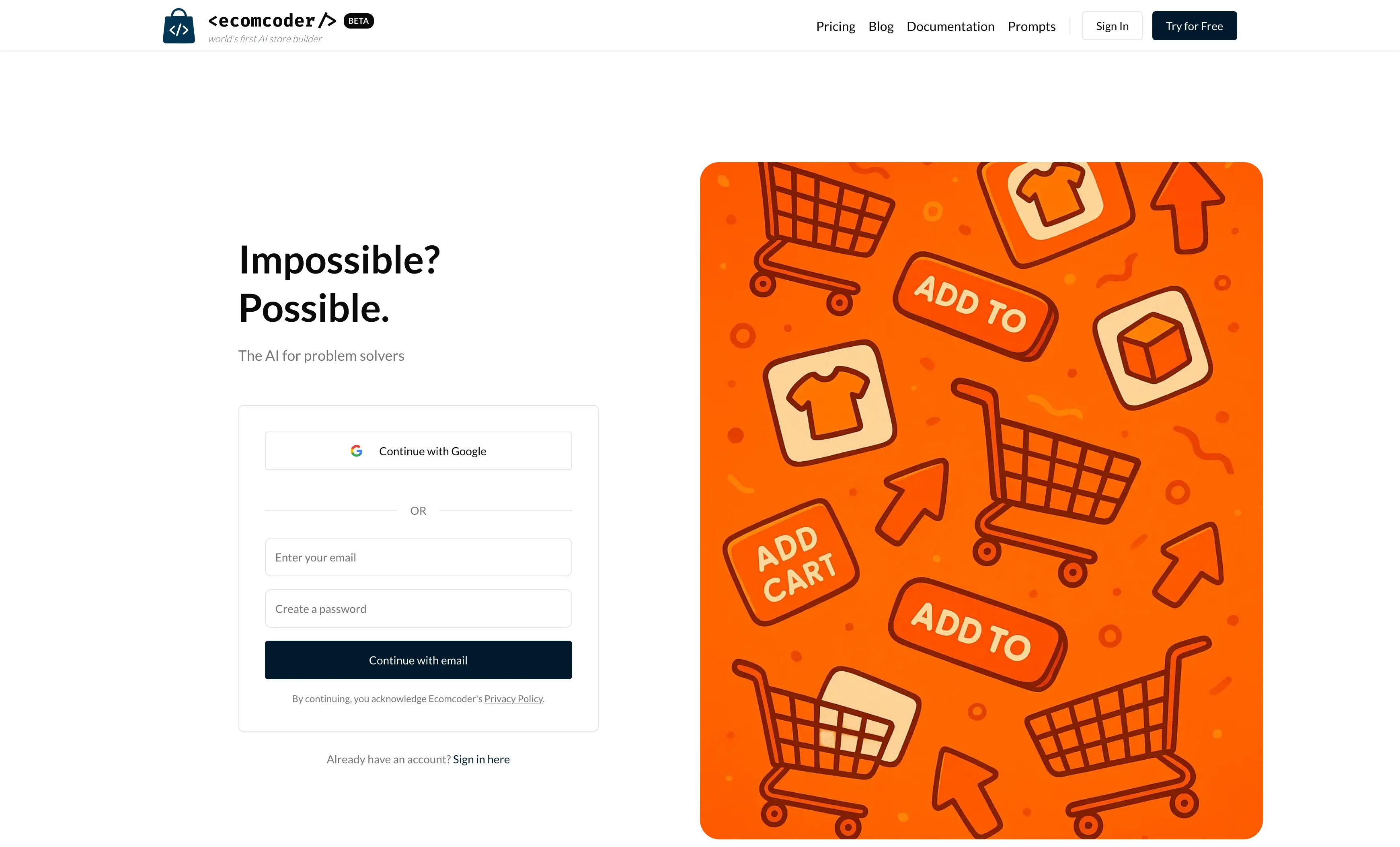
- Go to ecomcoder.com/auth/signup
- Enter your email address and choose a password
- Click Sign Up
- Check your inbox for a verification email and click the confirmation link
Google OAuth
- Go to ecomcoder.com/auth/signup
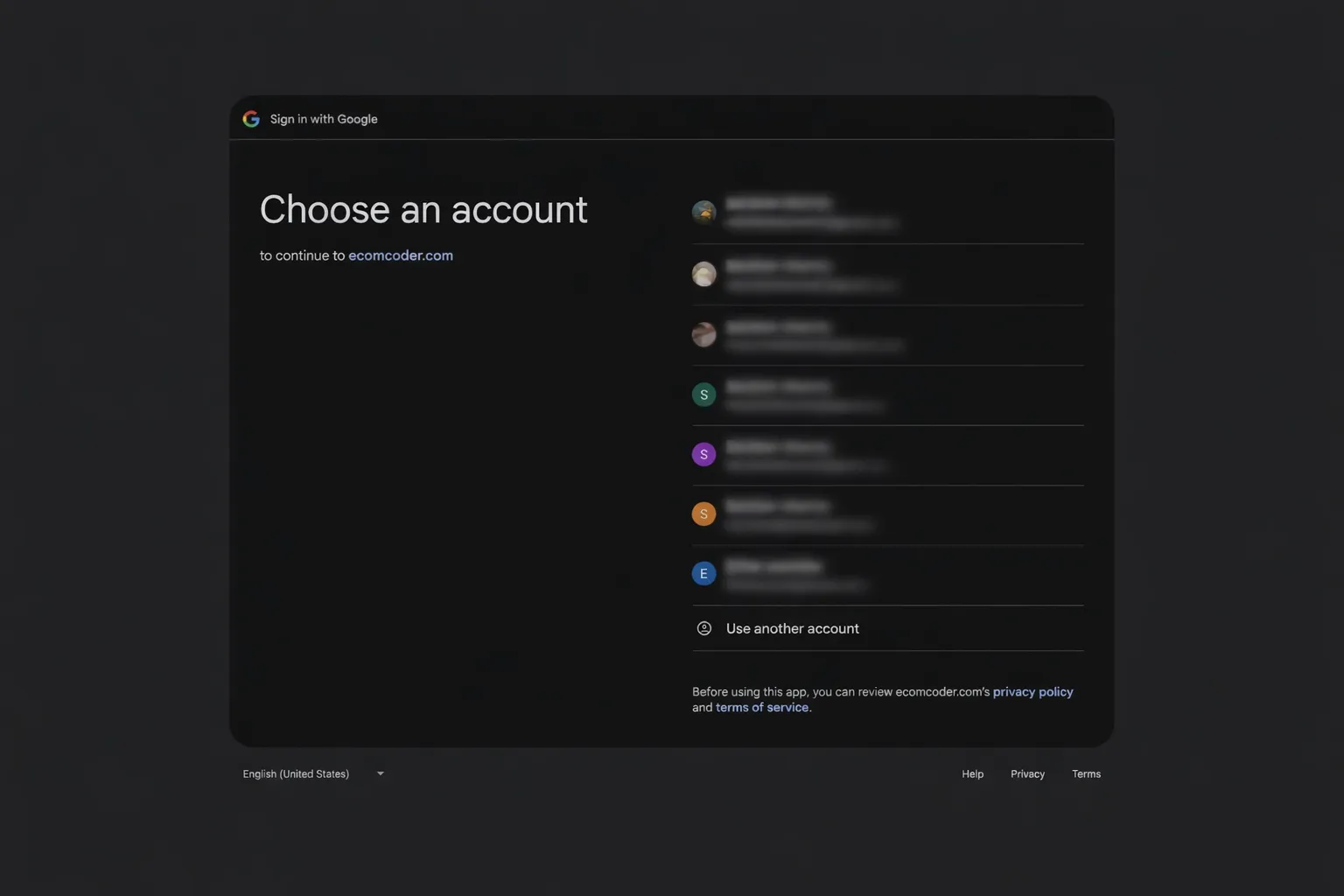
- Click Continue with Google
- Select your Google account and authorize access
- You're signed in — no email verification needed
Log In
Once you have an account, you can log in using any of these methods:
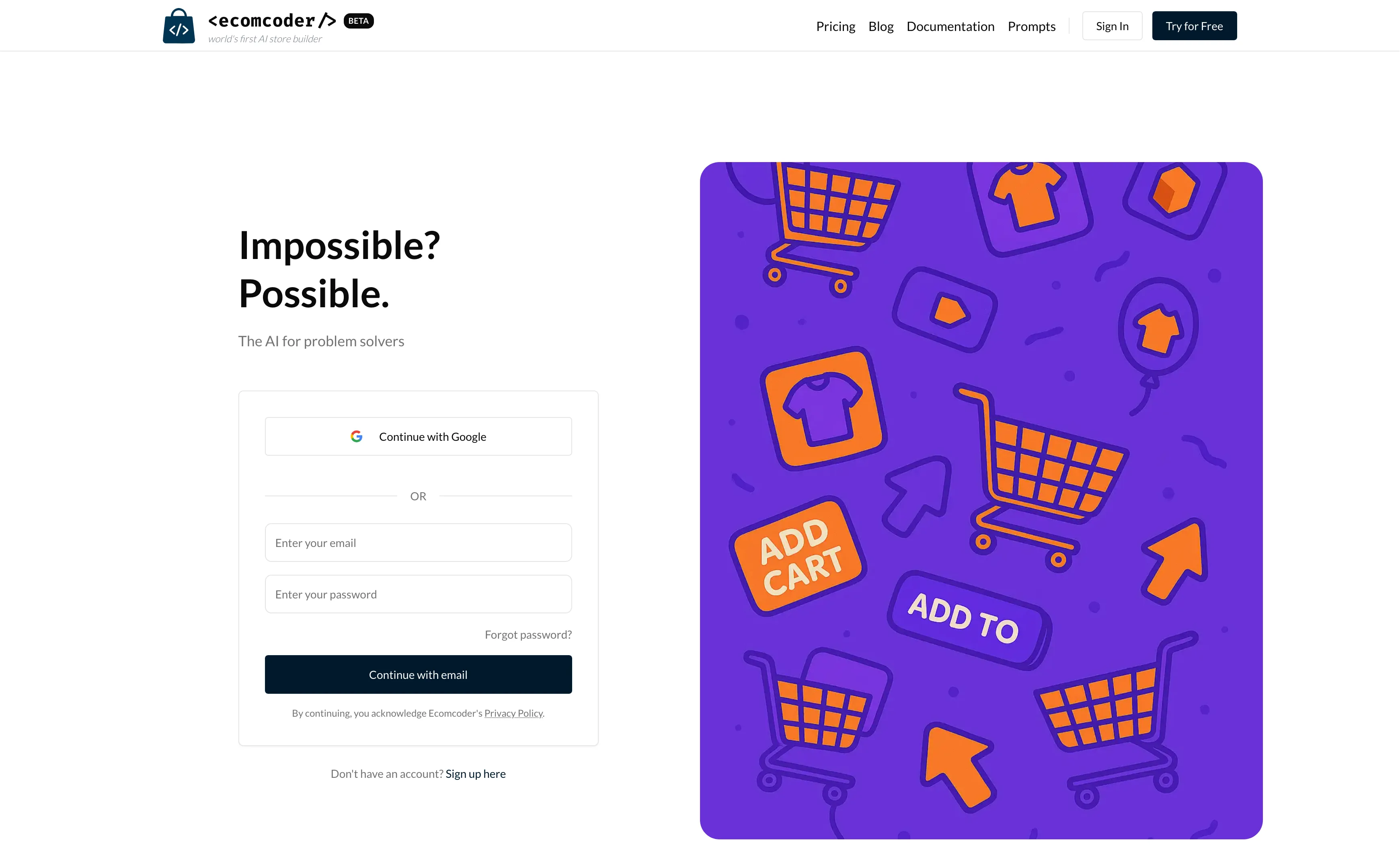
- Email & Password — Enter your credentials at ecomcoder.com/auth/login
- Google OAuth — Click Continue with Google for one-click access
- Magic Link — Enter your email and click Send Magic Link. Check your inbox for a link that signs you in automatically.
Password Reset
If you've forgotten your password:
- Go to the login page
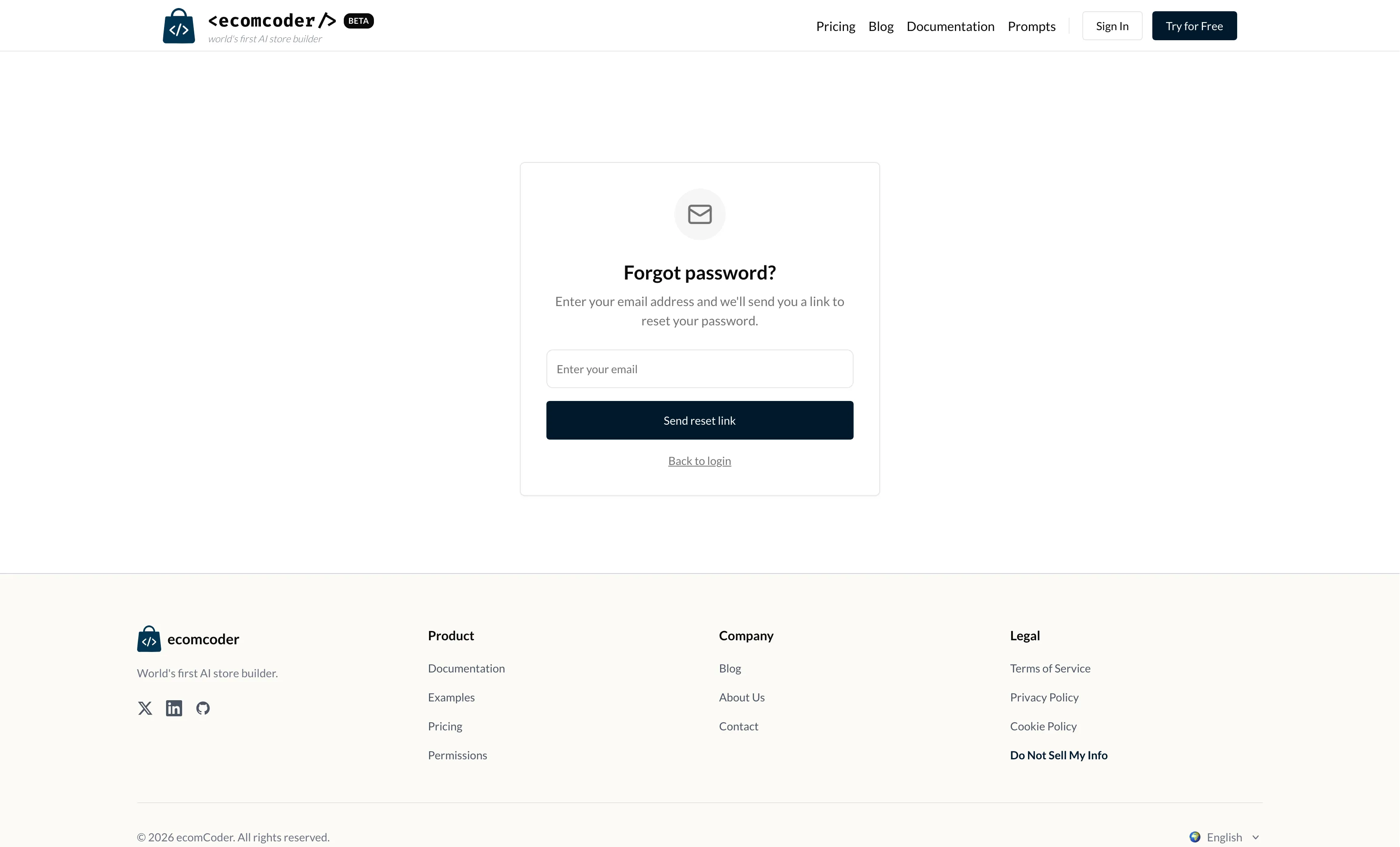
- Click Forgot password?
- Enter your email address
- Check your inbox for a reset link
- Click the link and set a new password
Tip
If you signed up with Google, you don't have a password to reset. Just use Continue with Google to sign in.
Next Steps
Once you're logged in, you'll be taken to the dashboard. If this is your first time, you'll need to connect your Shopify store.